INPUT
Every switch, your way
Map a pedal to keys, mouse input, text, timed recordings, program launches, or secure-by-default PowerShell commands.
A TerkWerX original for Windows 11
Tippy turns USB transcription pedals and USB MIDI foot controllers into fast, flexible controls for work, streaming, music, accessibility, and play.
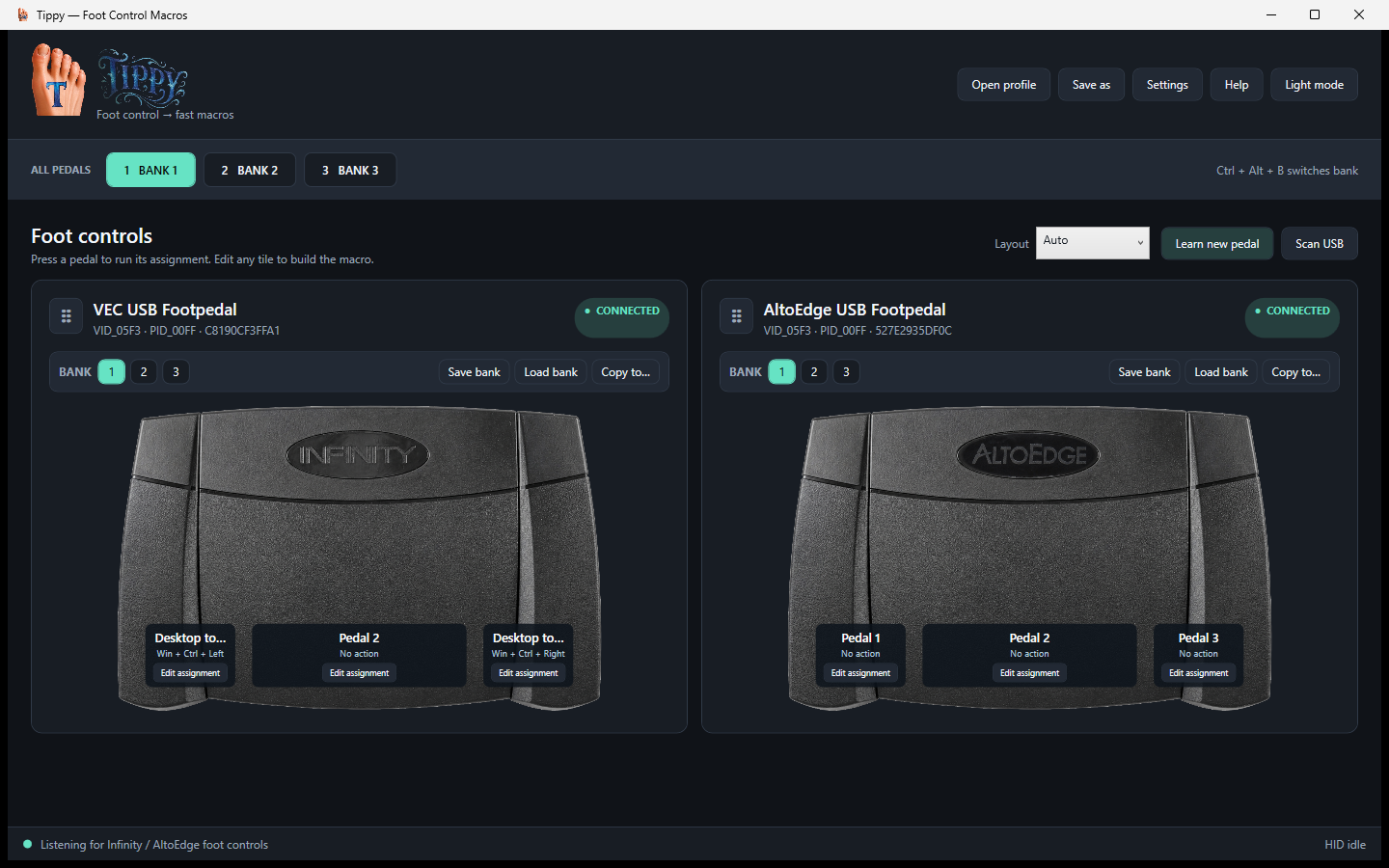
 MULTI-PEDALLOW LATENCY
OLD HARDWARE. NEW TRICKS.
Transcription pedals were built for one narrow job, while MIDI foot controllers were often confined to one rig or DAW. Tippy brings both into one flexible Windows control ecosystem—without dragging a transcription suite into your workflow.
Meet the hardware libraryBUILT TO MOVE AT YOUR PACE
Tippy stays simple at first touch, then opens into the kind of control system that can grow with a desk, studio, stream, accessibility setup, or game room.
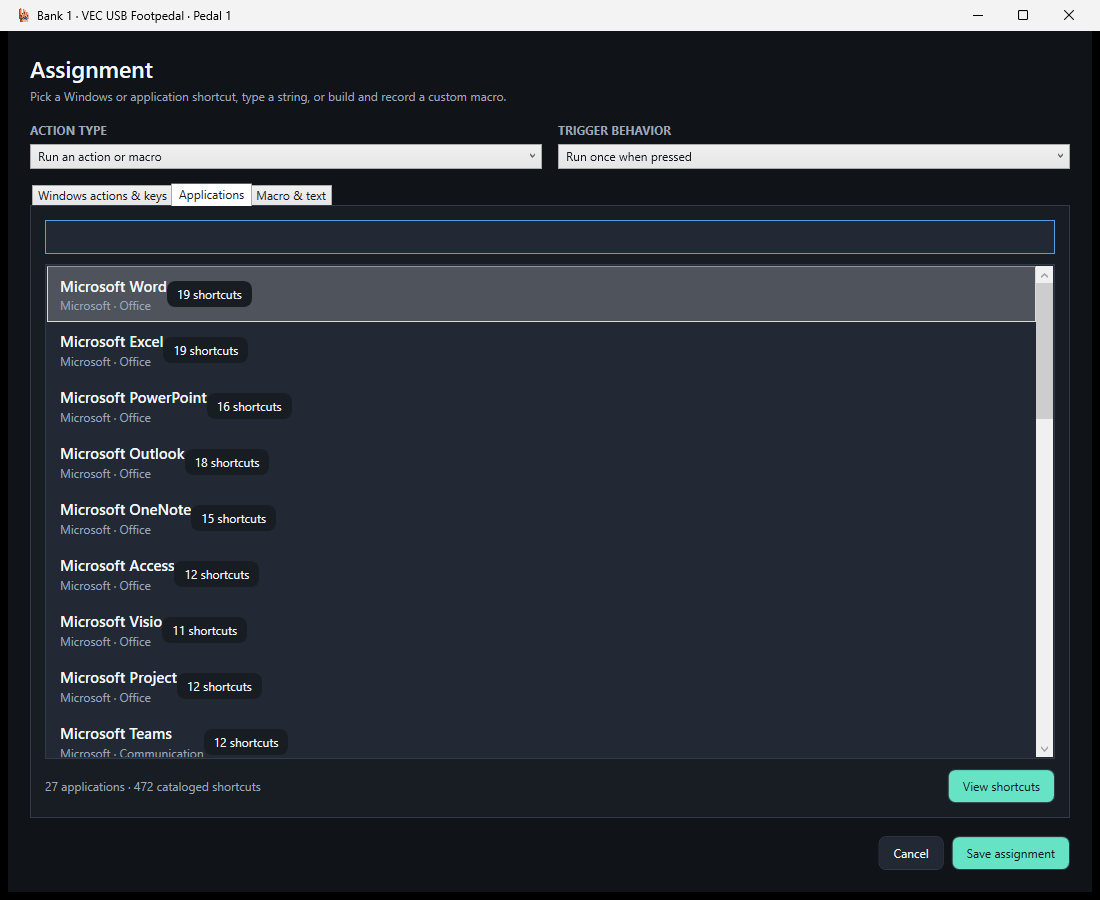
Map a pedal to keys, mouse input, text, timed recordings, program launches, or secure-by-default PowerShell commands.
Give every pedal three independent banks, copy banks between compatible hardware, or hold a pedal as a temporary shift layer.
Separate press and release actions meet long press, double tap, toggle, repeat, simultaneous pedals, and ordered foot sequences.
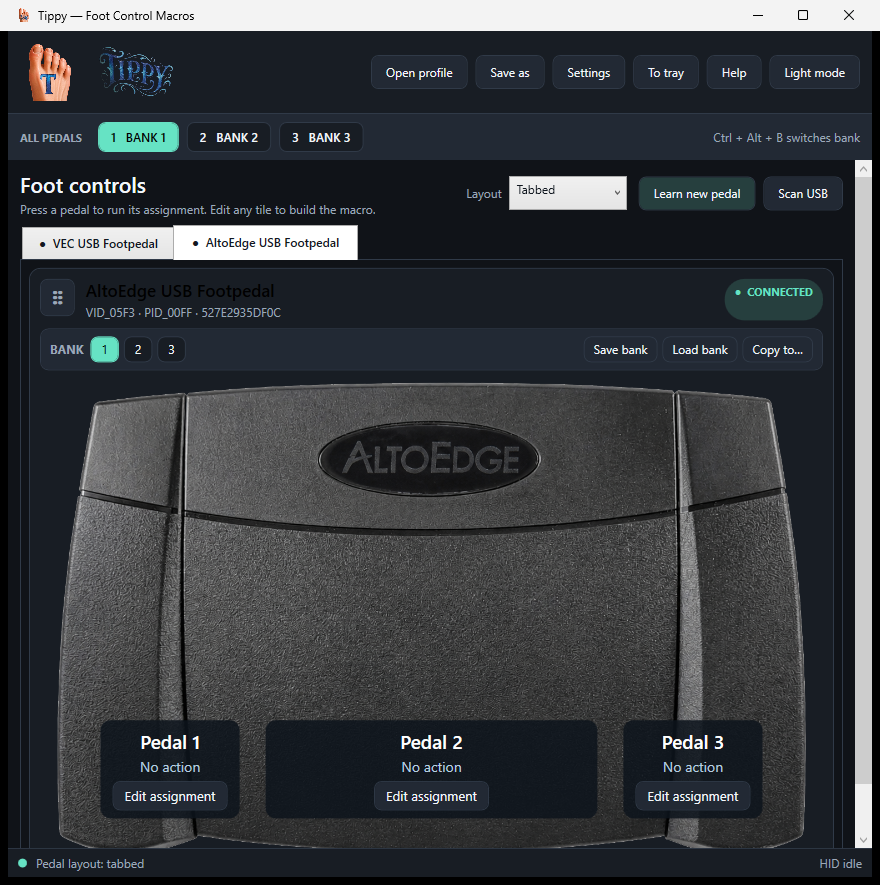
Load complete pedal scenes for the foreground app, scan installed software with permission, and browse hundreds of known shortcuts.
Connect USB MIDI foot controllers such as the Nektar PACER, learn Note, CC, and Program messages, and map switches or expression pedals to Tippy actions.
Send familiar PC input or optional virtual Xbox buttons, sticks, and triggers—complete with safe held-input cleanup.
Choose full, compact, tabbed, tiled, stacked, or quarter-size pedal-only views, then send Tippy quietly to the system tray.
Learn raw-HID, keyboard-style, or USB MIDI controls without waiting for a vendor driver update or a device-specific integration.
Hardware Passport, rehearsal mode, diagnostics, backups, crash recovery, and privacy-reviewed support reports help keep every setup dependable.
SEE WHAT YOUR FEET CAN DO
Real pedal pictures, live switch illumination, clear assignments, and layouts that adapt from a full control center to a quarter-size always-on-top companion.
A GROWING PEDAL LIBRARY
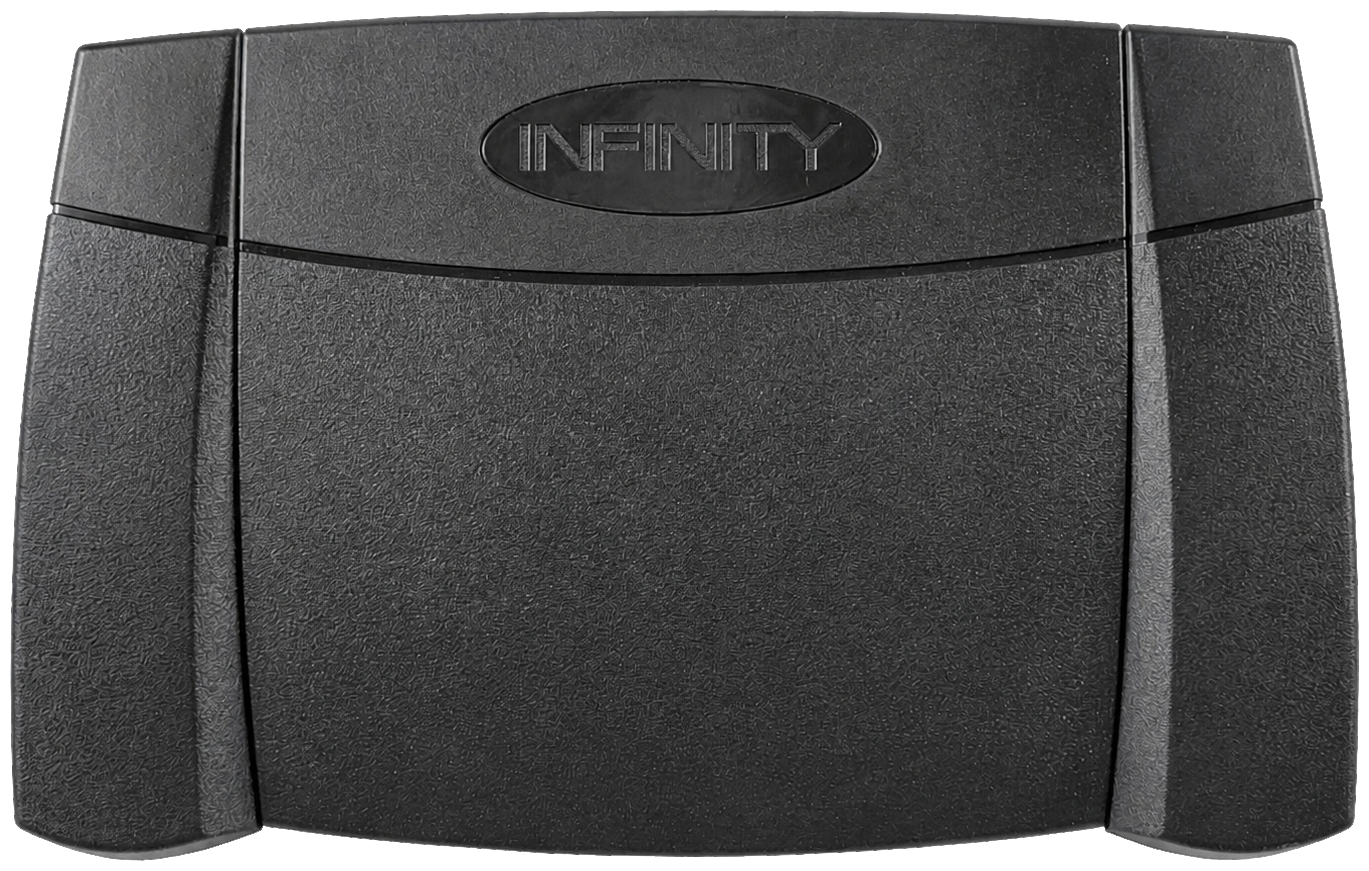
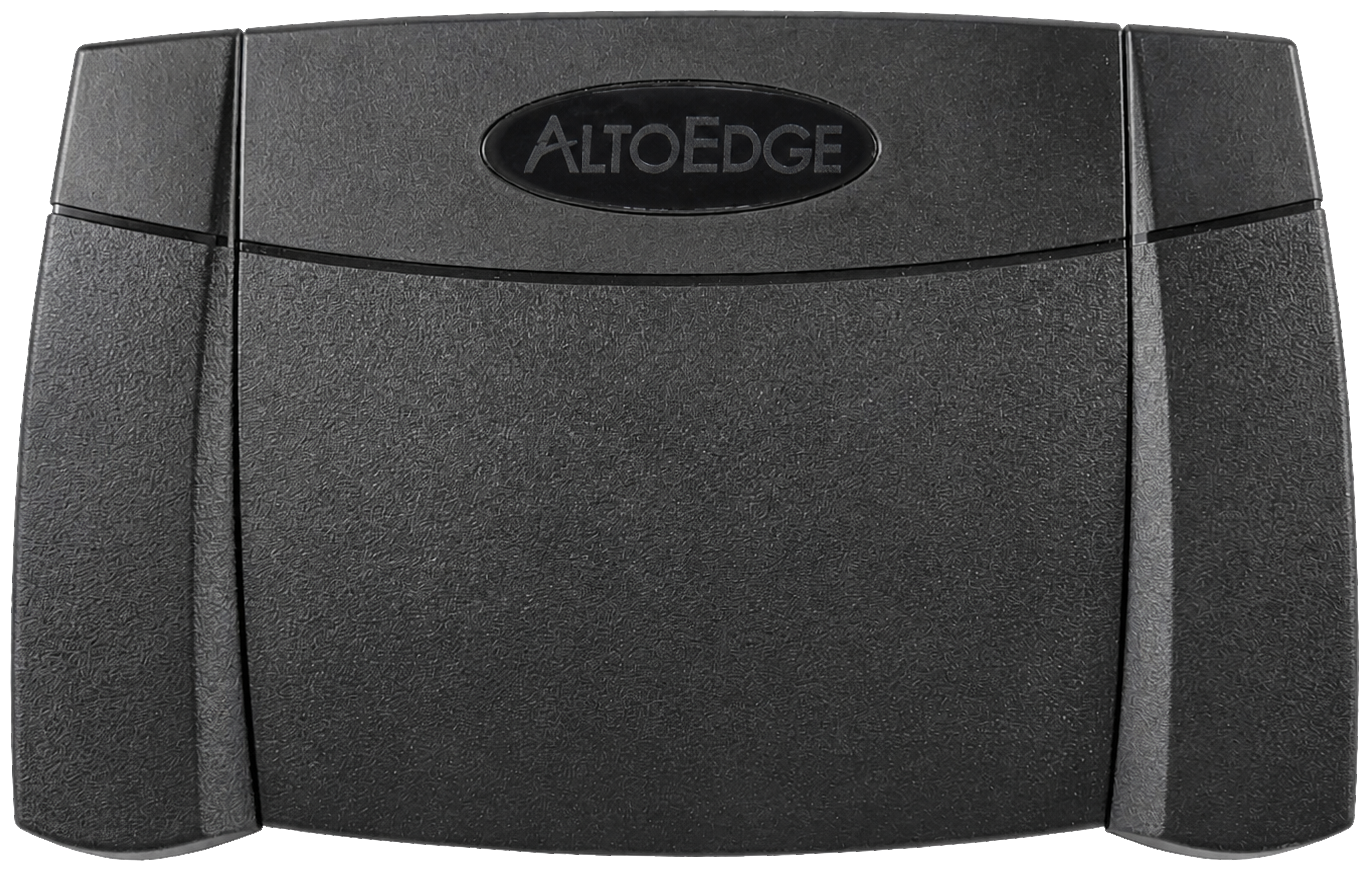
Verified input support includes Infinity, AltoEdge, and the original Kinesis Savant Elite FS30A in Program mode with WinUSB. Registry artwork and built-in learning expand the experience across transcription, streaming, programmable USB, and USB MIDI foot controls.
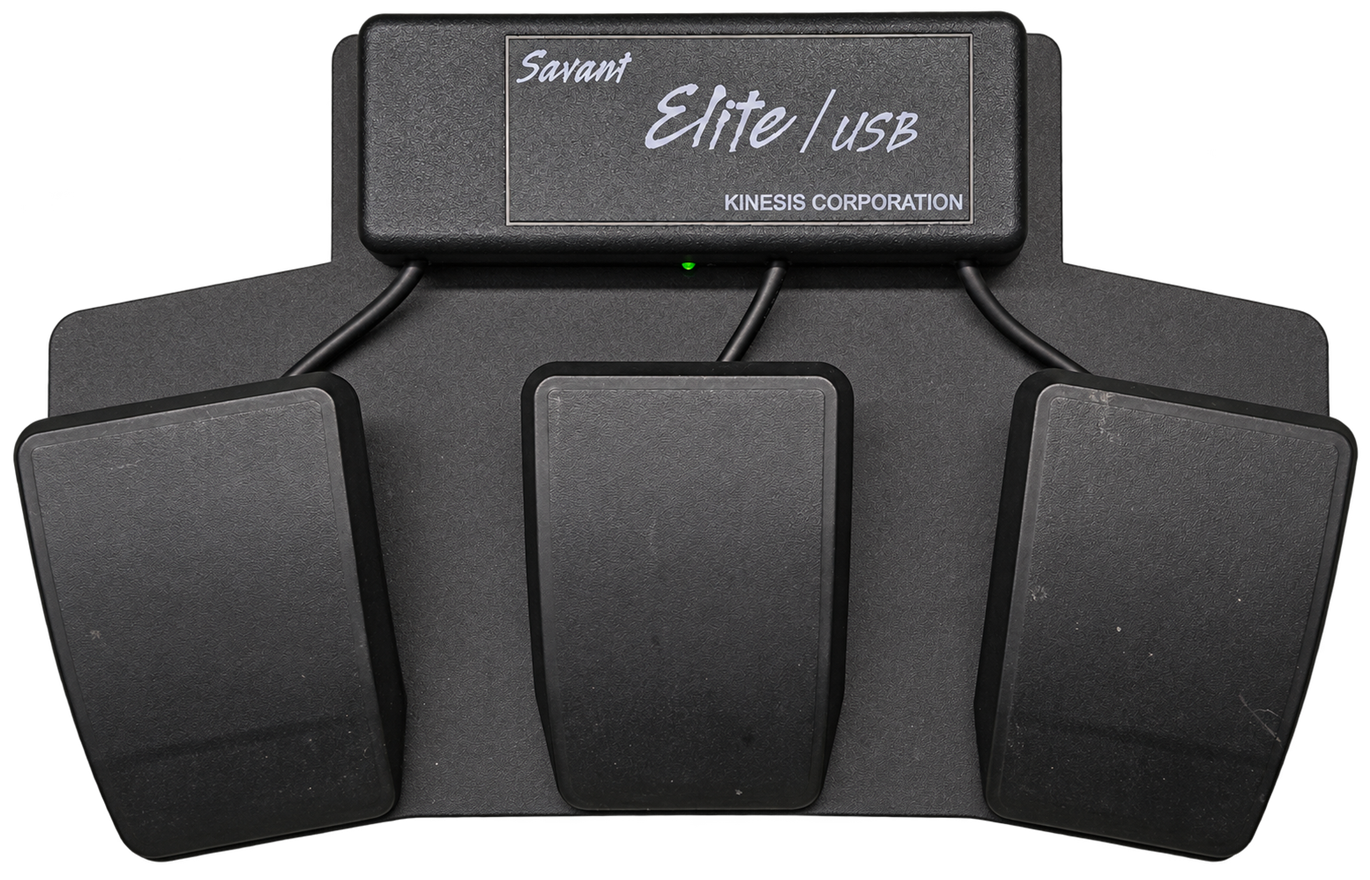
Original three-pedal model. Heavy, robust, and substantially built.
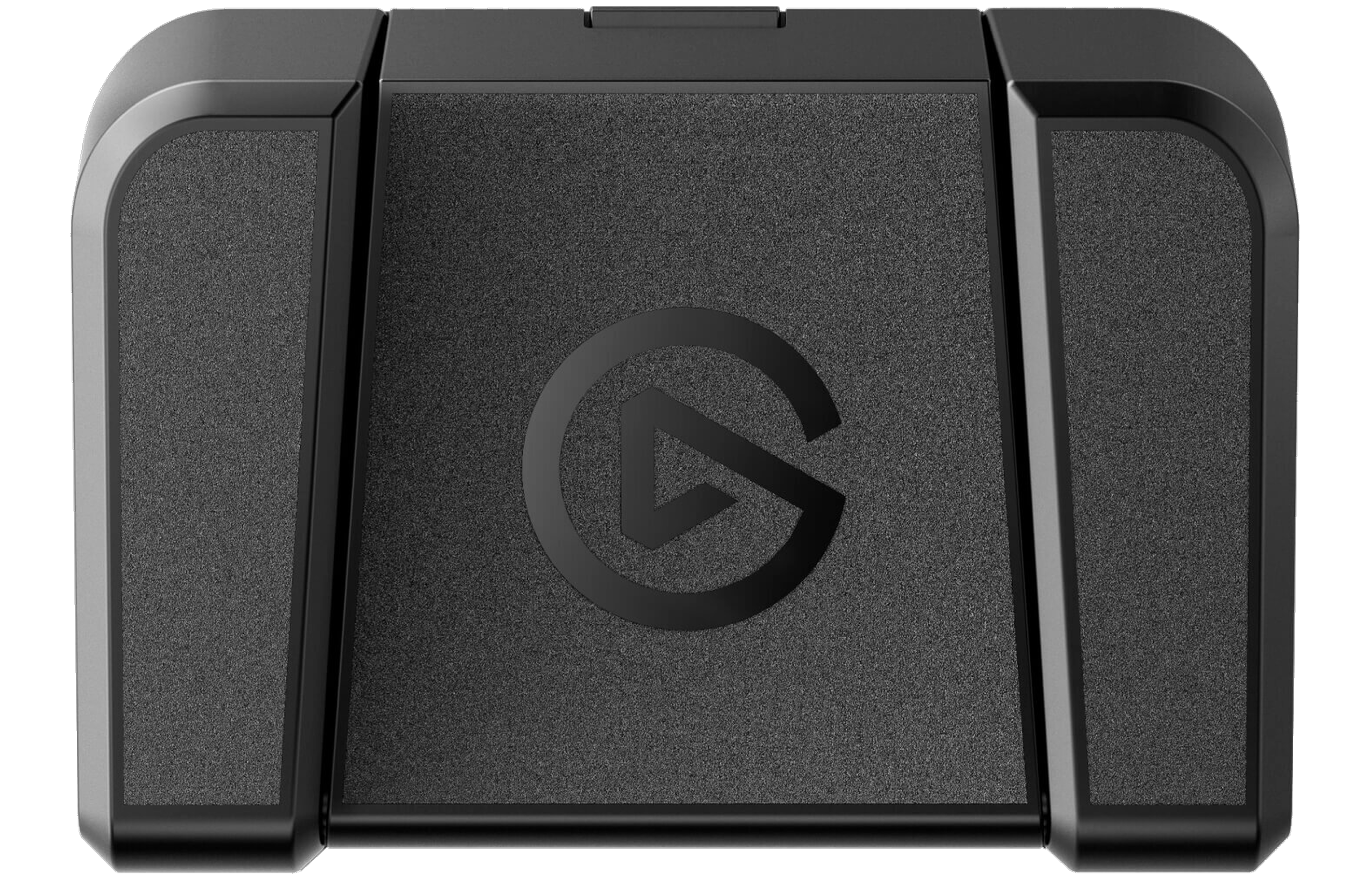
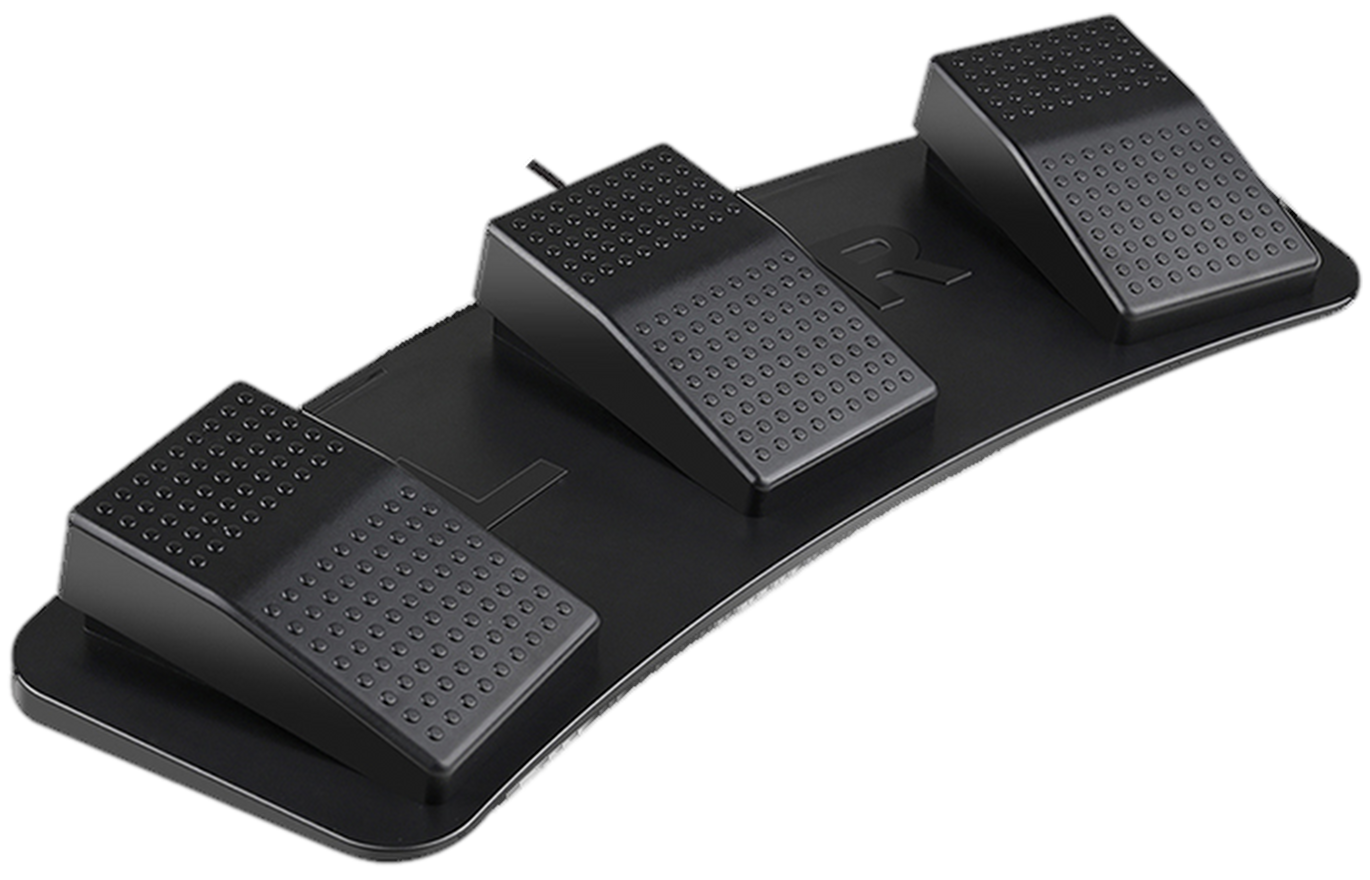
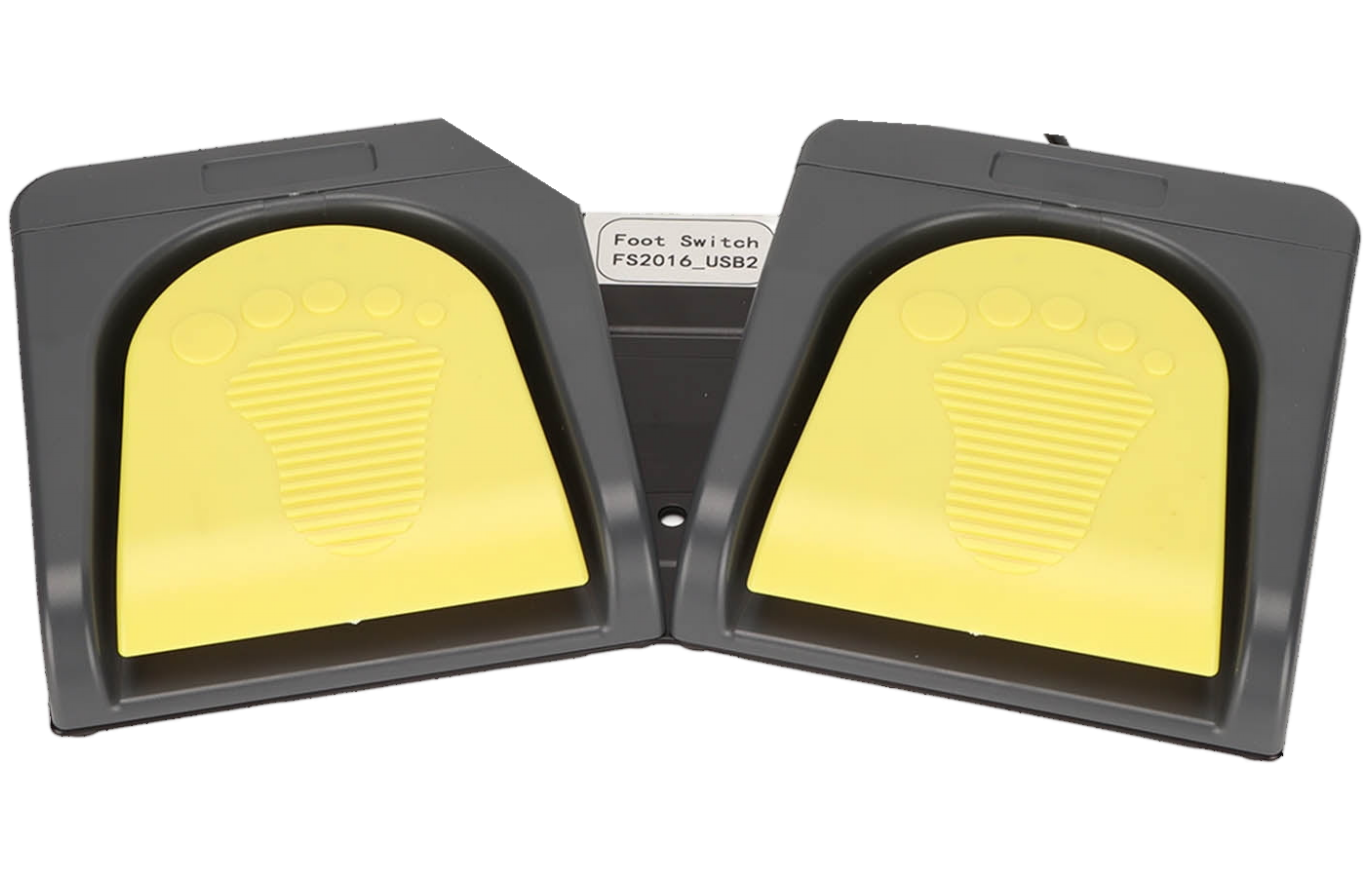
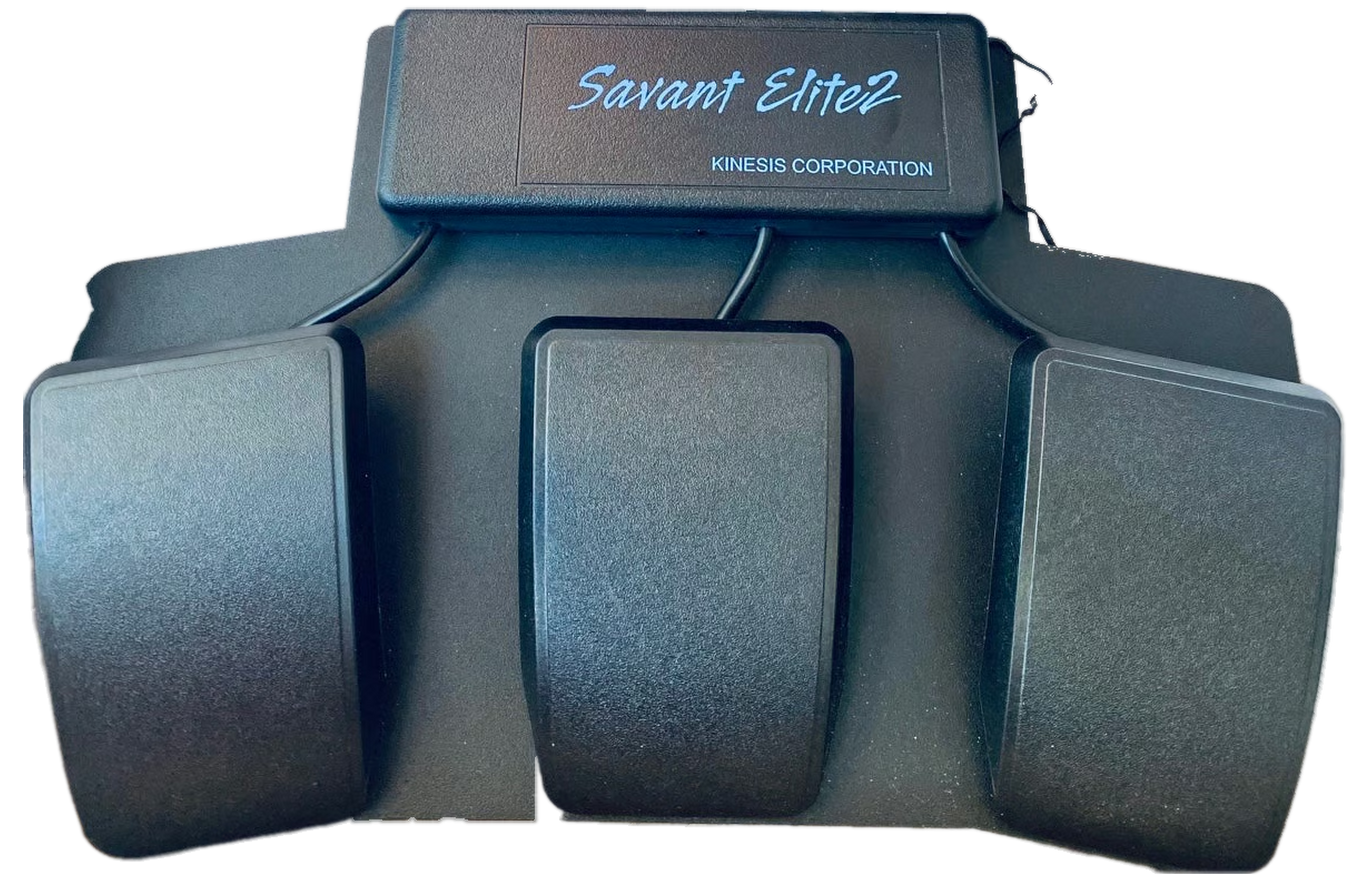
Heavy, robust construction. Elite2 input support is not yet hardware-verified.
The Savant Elite and Savant Elite2 stand out for their heavy, substantially built, robust construction. Verified Tippy input support currently applies to the original three-pedal FS30A—not the Elite2. FS30A setup and verified tests
Do not see yours? Tippy can learn unknown raw-HID, keyboard-style, and USB MIDI pedals. Direct USB MIDI works immediately; traditional 5-pin DIN MIDI works through a separate USB MIDI interface connected to the PC.
FROM FIRST PRESS TO POWER USER
Tippy detects connected USB and USB MIDI foot controls without a restart.
Pick a known shortcut, record input, or build a custom macro.
Low-latency input runs in the background with immediate visual feedback.
Add pedals, banks, application scenes, gestures, MIDI, OSC, and more.
READY WHEN YOUR FOOT IS
Install it like a normal Windows application, then plug in a pedal. Tippy installs for your account, creates normal shortcuts, and includes the .NET runtime it needs.
Tippy currently ships unsigned. Windows SmartScreen may ask you to confirm the first launch. SHA-256 is included so you can verify the file you received.
Current Windows release
72.8 MB · self-contained · per-user install
28521CA9272752548951AD001310161E04AB8ACD7A26C1F25FA63FB9D184D276TIPPY’S HANDS-ON COMPANION
Turn keypads and supported MIDI controllers into shortcuts, creative tools, and multi-step macros. Explore Tappy’s features, hardware, and interactive examples on its website.
HELP TIPPY GROW
Browse the source, report unfamiliar hardware, share a crash report only after reviewing it, or support continued development if Tippy earns a place under your desk.
THE PRACTICAL QUESTIONS
Verified input support includes Infinity IN-USB-2 Version 14, AltoEdge IN-AE-S Version 14, and the original Kinesis Savant Elite FS30A in Program mode with WinUSB. The FS30A has passed individual and simultaneous press/release tests, unplug-while-held cleanup, and reconnect checks. Savant Elite2 is a separate, library-ready model, not yet hardware-verified. Tippy also includes learning workflows for raw-HID and keyboard-style USB pedals with 1–32 switches, plus USB MIDI foot controllers.
Keep the original FS30A in Program mode, with Microsoft’s signed WinUSB driver bound only to its Program-mode device. In Tippy 0.9.0 or newer, select Tools → Original Savant Elite FS30A, save the connection, release all pedals, and assign your actions. Tippy reads the switches without rewriting the pedal’s memory or relying on its factory mouse clicks. The one-time driver setup may require administrator approval; Tippy itself installs per-user. Do not change your normal keyboard/mouse drivers or use these instructions for Elite2.
Yes. Tippy can learn MIDI Note, Control Change, and Program Change messages from multiple Windows USB MIDI inputs. The Nektar PACER template covers its six onboard switches, four external footswitch inputs, and two expression inputs. A controller with only 5-pin DIN MIDI needs a separate USB MIDI interface between it and the PC.
A switch can send keys or shortcuts, click or move the mouse, type text, launch a program, run PowerShell commands, trigger timed macros, switch banks, act as a shift layer, send MIDI or OSC, or control optional virtual Xbox input. Press and release can have separate actions.
Tippy itself does not: the x64 installer is self-contained and installs per-user under Local AppData. A separate .NET installation is not required. The original FS30A’s separate, one-time WinUSB driver setup may require administrator approval. Until the installer is code-signed, Windows SmartScreen may ask you to confirm the download.
Yes, especially for ordinary one-pedal-to-one-key controls. Games and anti-cheat systems make their own rules, so always check the title’s policy before using timed or multi-step automation.
Tippy has no automatic telemetry. Profiles stay local. Unknown-hardware and crash reports are created locally, visibly redacted, and never leave the computer unless the user reviews and deliberately attaches one to GitHub.
Yes. Tippy has no paid feature restrictions or donation reminders. If it rescues an old pedal or saves you time, optional support is available through PayPal.